
Delete a location
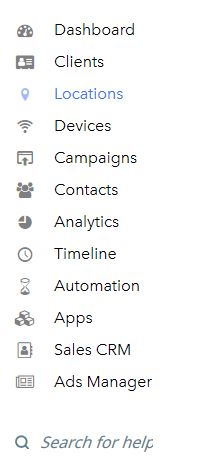
- Select Locations from the main menu.
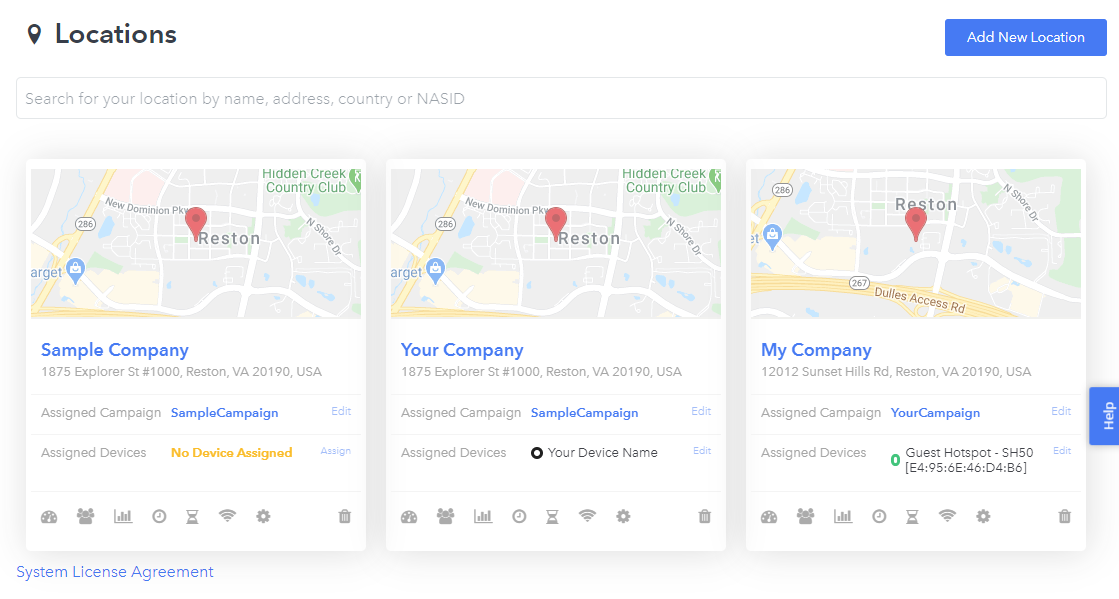
- Find the location you want to delete within the locations list.
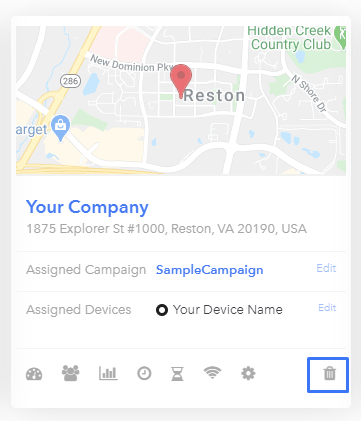
- Click the trash icon to delete the location.
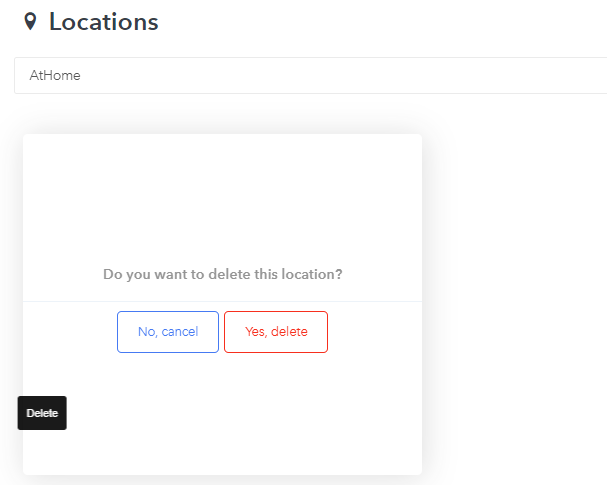
- Select Yes, delete.
Warning!
Once a location has been deleted, campaigns set up for the location will no longer be broadcast on-site and will not be available for use by the location guests.
Need Help?
If you have any questions, please contact our support team by clicking the support icon located in the bottom right-hand corner of this page.